Technical documentation bridges the gap between complex products and services and their users. Exploring technical documentation examples and taking a strategic approach to create it reduce the dependency on customer support, enabling users to resolve issues independently.
In this blog, we will discuss the purpose of technical documentation and explore its types and examples. We will also see how technical documentation software can help.
What Is Technical Documentation?
Technical documentation is a document that explains the use, functionality, creation, or architecture of a product. It aims to provide end-users, administrators, or developers with instructions and information on handling, maintaining, or understanding a product.
It comes in different forms to meet various needs, like product installation, usage, troubleshooting, compliance, and technical specifications.
An example of technical documentation is API Documentation, essential for software developers who must understand how to integrate and utilize an API within their applications effectively. It helps developers understand the technical details and functionalities of the API, allowing them to integrate its capabilities into their software effectively. It provides the technical insights developers need to ensure compatibility, maximize functionality, and troubleshoot potential issues during development.
| Related blog: How to Create Online Documentation? |
What Is the Purpose of Technical Documentation?
Technical documentation enables users to use the product without external help. Here are some critical purposes of technical documentation:
To Enable Product Use & Maintenance
Technical documentation equips users and technicians with the information to use, maintain, and repair products or systems effectively.
Documentation types like manuals, user guides, and maintenance handbooks ensure that individuals can operate equipment safely and efficiently, perform routine maintenance, and troubleshoot common problems.
To Improve User Training & Onboarding
Technical documentation helps new users and employees understand the intricacies of a product, which is crucial for onboarding.
Well-documented procedures and clear, structured guidelines reduce the learning curve and help new users become proficient more quickly.
To Support Compliance & Safety
Technical specification documents include compliance information, safety warnings, and emergency procedures for regulated industries. It is crucial for adhering to legal standards and protecting end-users.
This helps manufacturers prove compliance with relevant regulations and standards, which can be critical during audits and inspections.
To Facilitate Scalability & Consistency
As businesses grow and their products evolve, maintaining consistency in how products are developed, maintained, and updated becomes difficult.
Technical documentation enables a consistent reference that can be used across the organization to ensure everyone follows the same procedures and guidelines.
To Help in Knowledge Transfer
Technical documentation enables a repository of organizational knowledge that captures information about product design, implementation, and problem-solving approaches. This helps transfer knowledge among teams or when experienced employees leave the company.
New team members can refer to the documentation to quickly learn how systems work and how issues have been addressed in the past, ensuring continuity in operations and development.
To Support Customer Service & Reduce Support Costs
Detailed technical documentation reduces the burden on customer service teams by providing customers with the resources to solve problems independently.
A comprehensive FAQ section, troubleshooting guides, and how-to manuals empower users to resolve issues without needing to contact support, which reduces support costs and improves customer satisfaction by providing immediate help.
To Enhance Product Quality & Innovation
By adequately documenting technical processes and product specifications, teams can more easily identify areas for improvement and innovation.
Documentation enables a baseline that engineers and designers can reference to enhance product features, fix design flaws, or develop new solutions.
What Are Some Technical Documentation Examples & Types?
Technical documentation supports different aspects of business operations, compliance, customer communication, and strategic planning.
The following are different types of technical documentation and their specific functions:
1. User Manuals
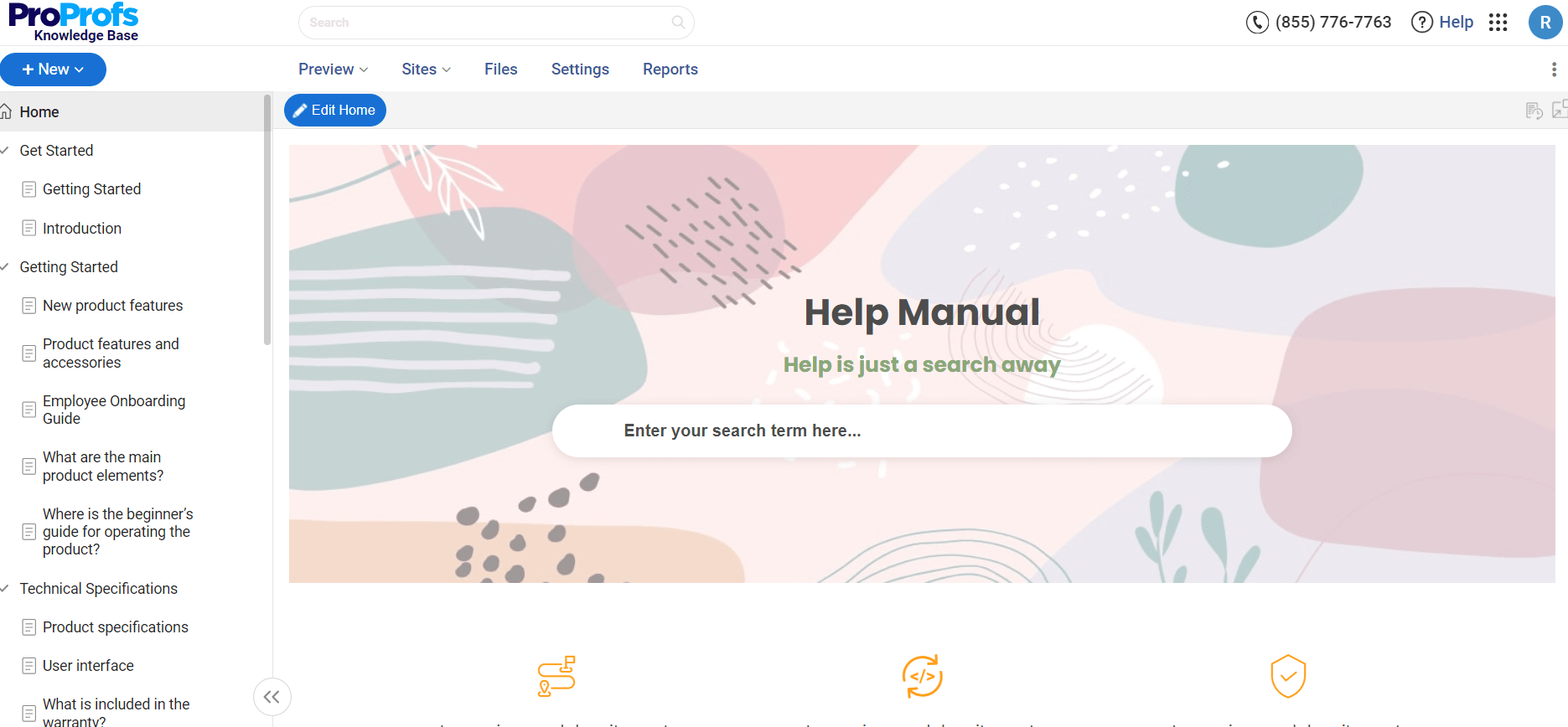
These extensive user documentation guides provide end users with all the necessary information to operate, troubleshoot, and maintain a product effectively.
They usually include installation instructions, usage procedures, safety information, and troubleshooting tips, helping to ensure that users can use the product safely and to its fullest potential.
2. Software Installation Guides
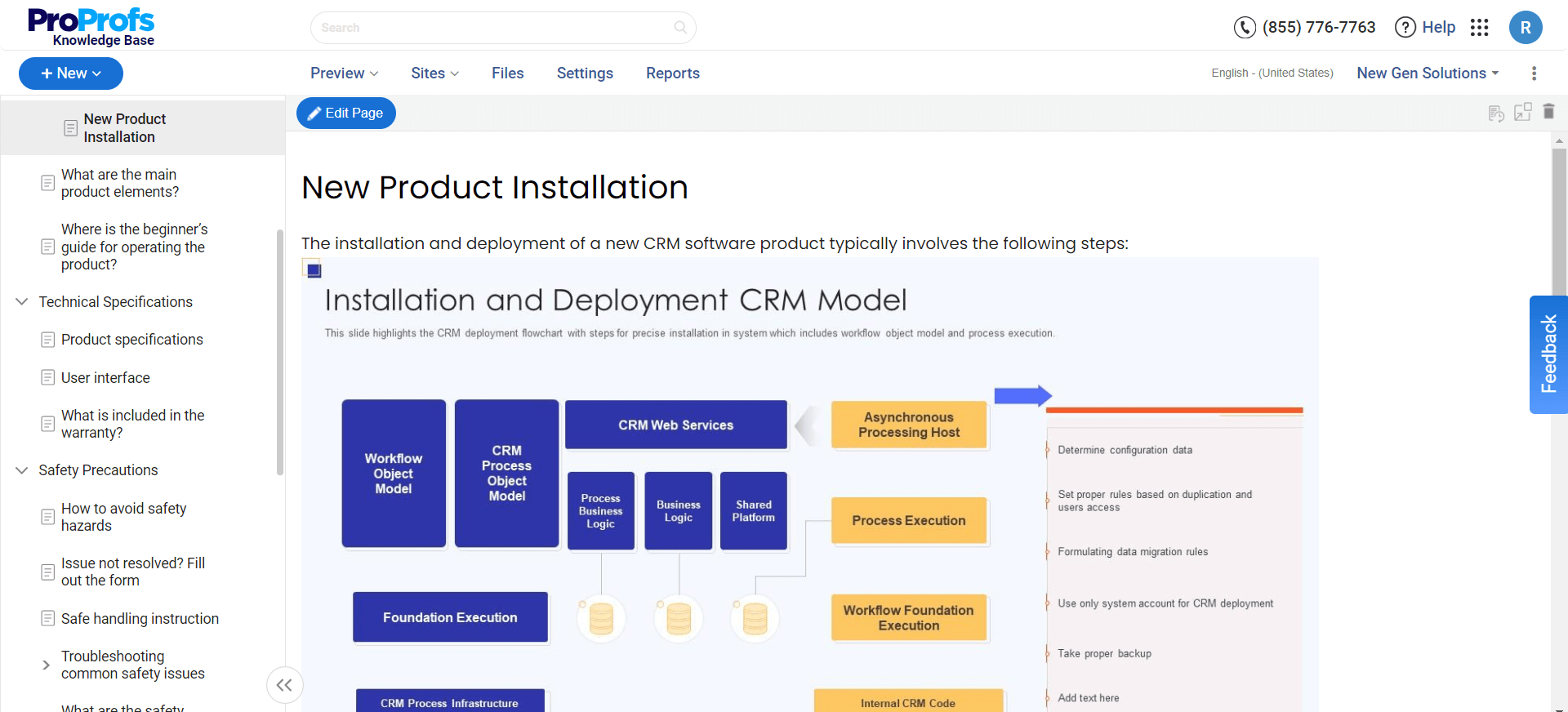
These guides provide step-by-step instructions on installing software applications correctly, covering system requirements, installation procedures, and initial configuration settings, and include troubleshooting information for common installation issues.
This documentation is essential for ensuring that software is installed efficiently and is configured correctly to function on the user’s system.
3. Standard Operating Procedures (SOP)
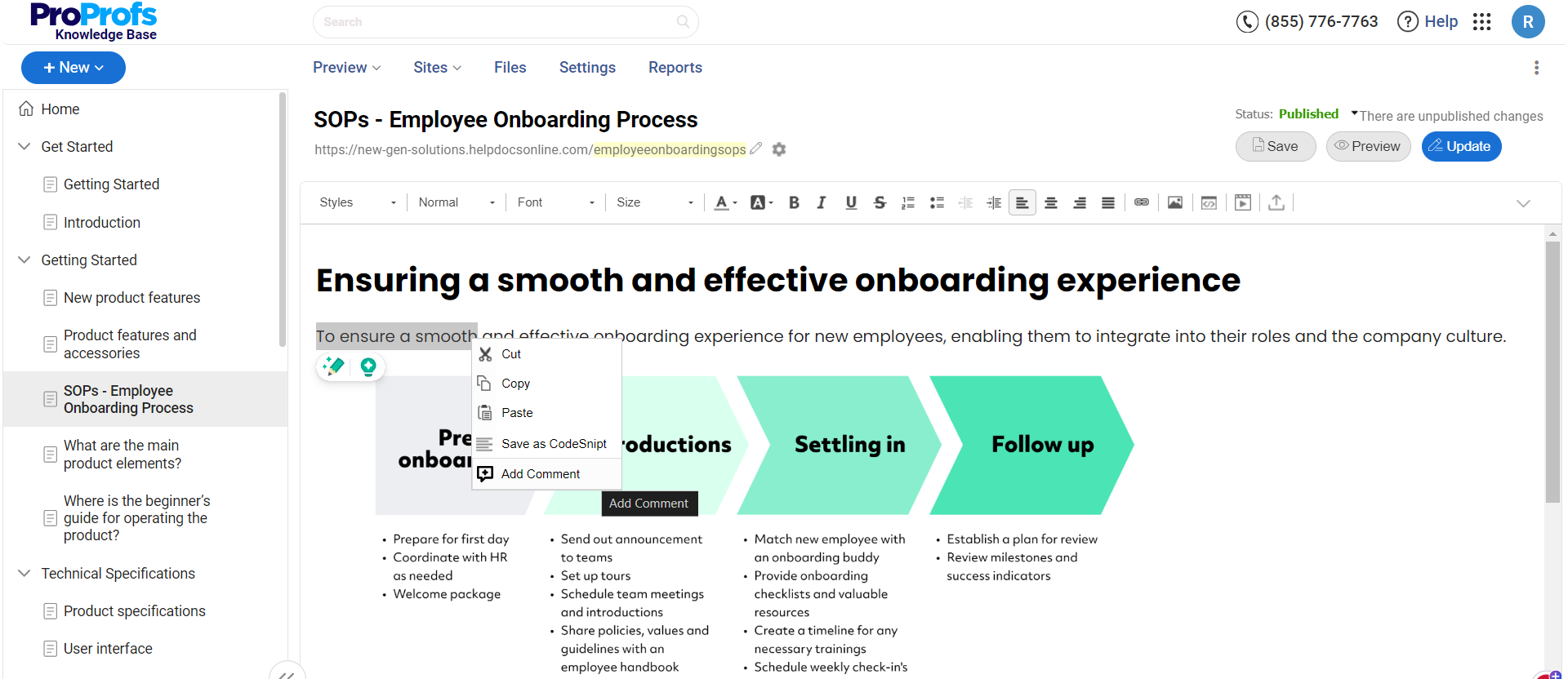
These are detailed, written instructions to achieve uniformity in performing specific functions. They are essential in regulated environments where consistency and compliance with industry standards and regulations are mandatory.
They detail the regular recurring work processes to be conducted or followed within an organization.
4. API Documentation
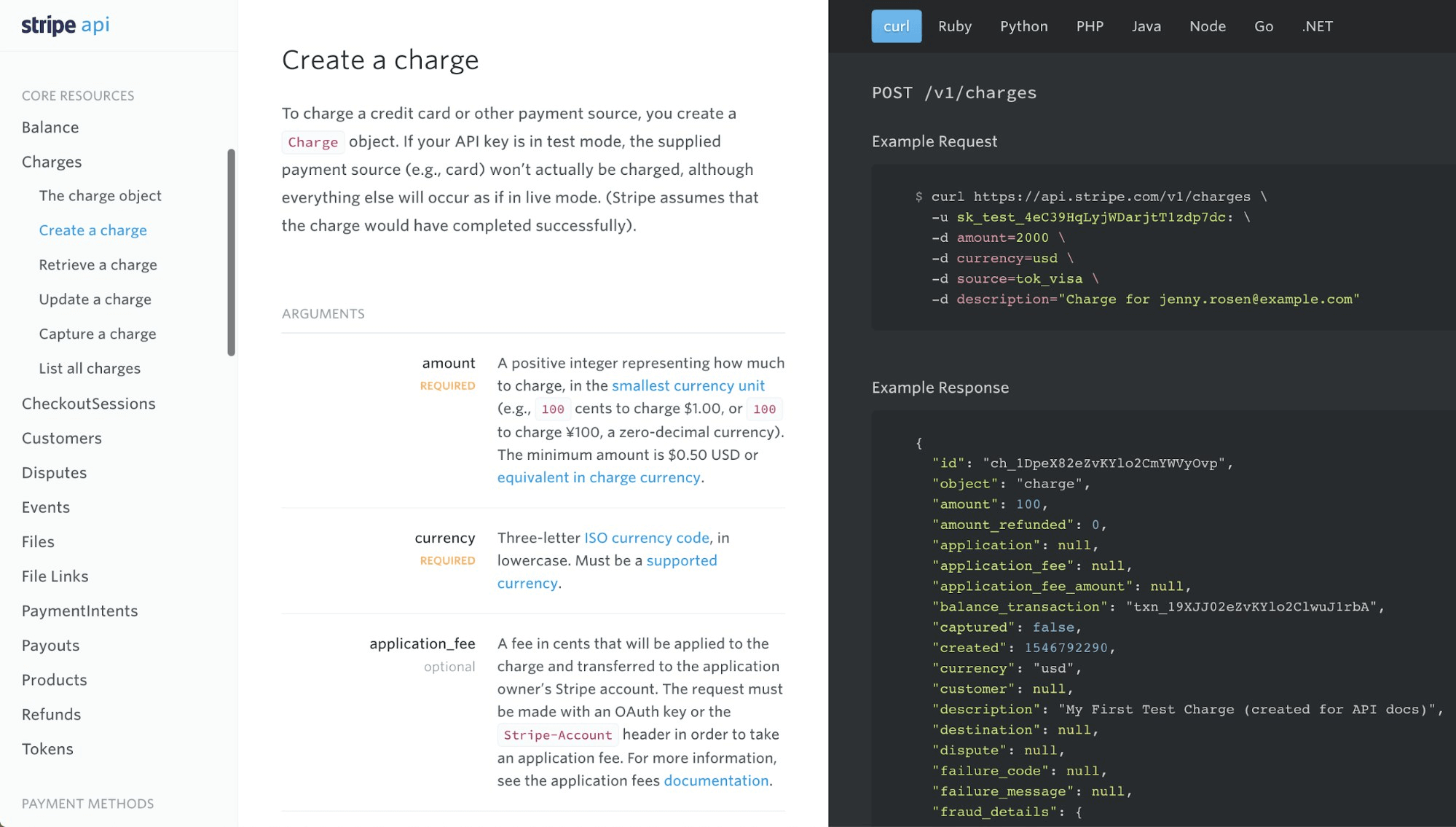
This is vital for developers, as it details how to effectively use and integrate with an API (Application Programming Interface).
This includes technical details about the API’s functions, classes, return types, arguments, and more, along with examples of requests and responses, error codes, and troubleshooting tips.
5. Service Level Agreements (SLA)
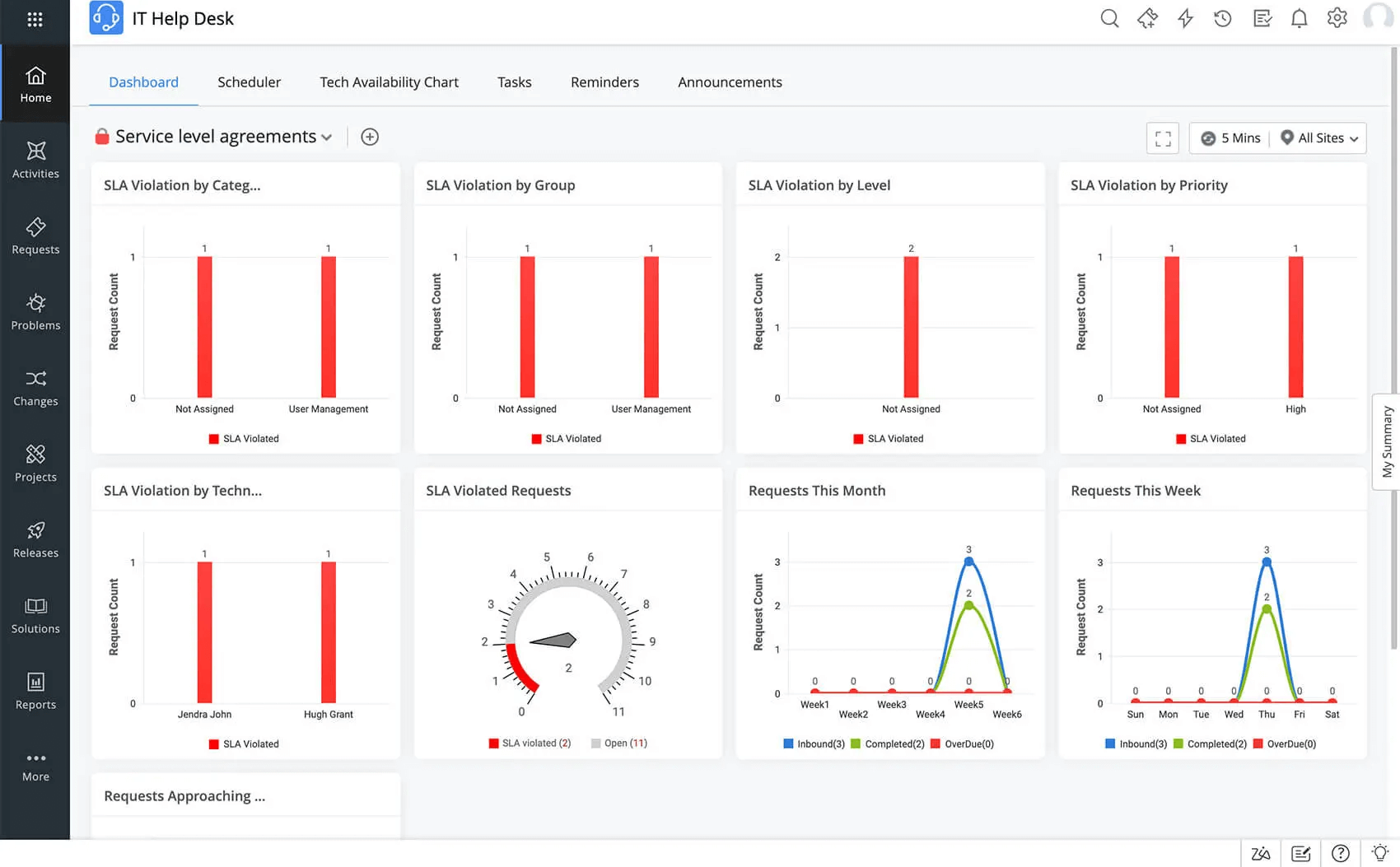
These documents define a service provider’s level of service expected by a customer. These outline the metrics by which services are measured, the remedies or penalties for service failures, and the duties and responsibilities of both parties.
It is crucial for managing expectations and ensuring clear communication between providers and clients.
6. Press Release
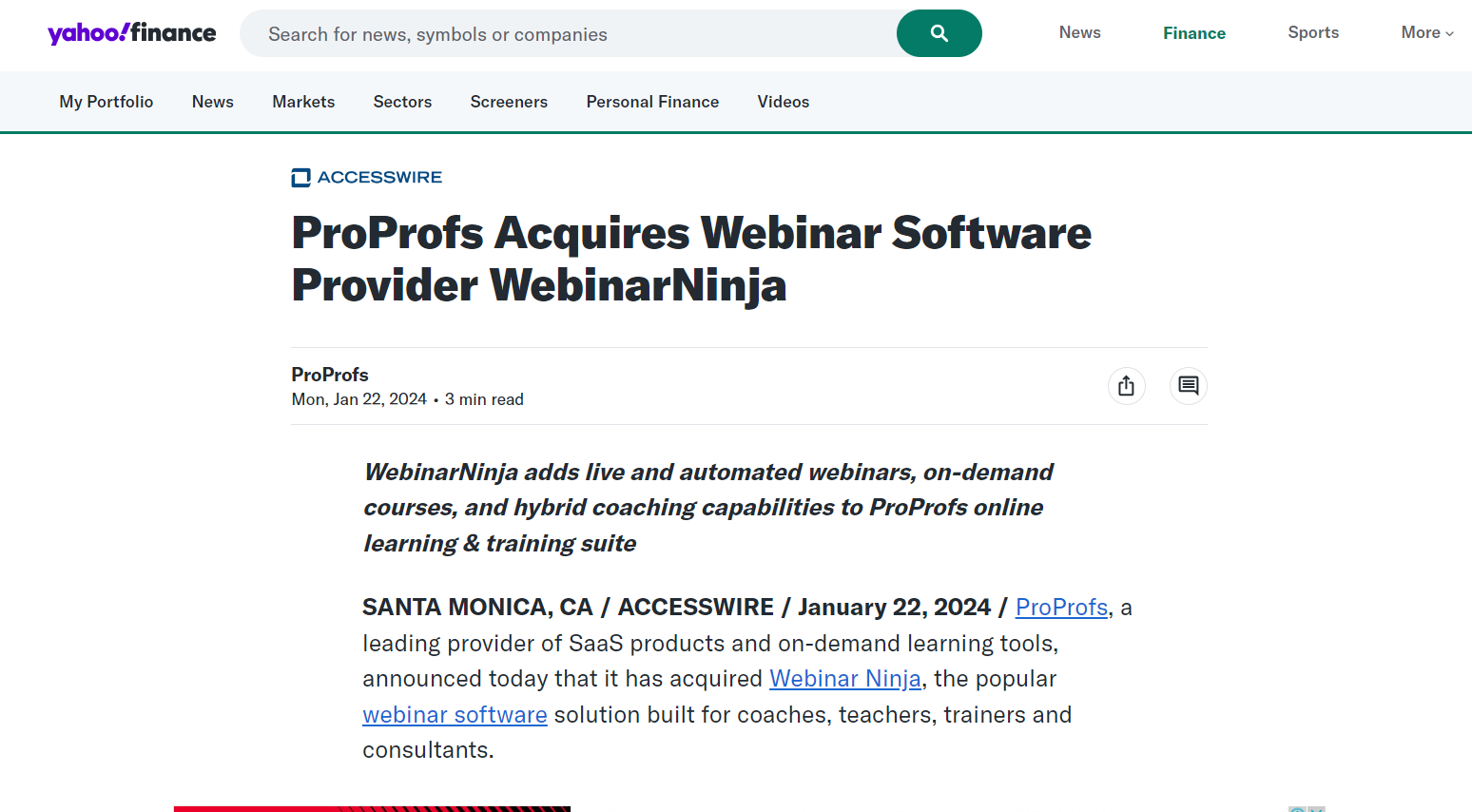
This written communication reports specific but brief information about an event, circumstance, or other happening.
It’s usually tied to a business or organization and is provided to media through various means. Press releases announce new products, achievements, or other significant events.
7. Case Studies & White Papers
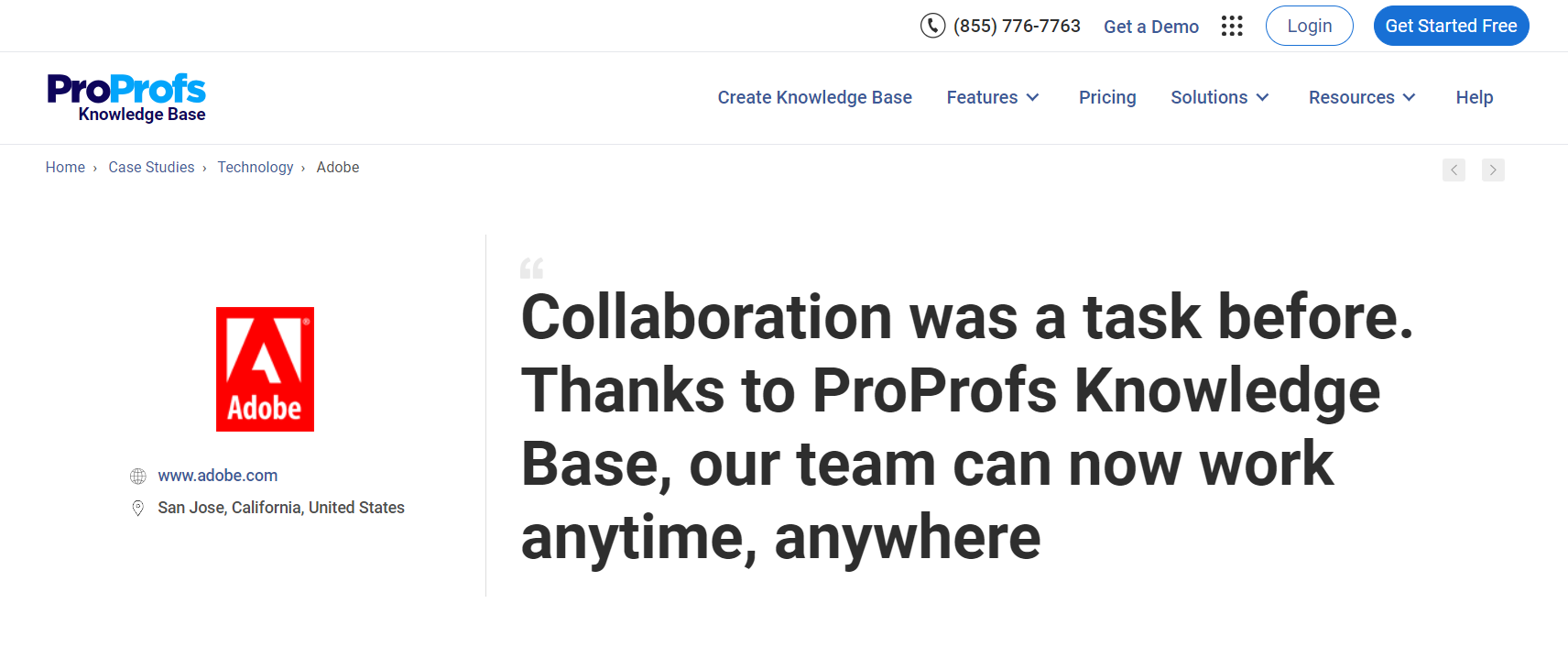
These comprehensive, persuasive, and authoritative reports or guides highlight a problem and provide a solution or deep insights into a topic of interest.
They educate the market about a product or service and position the company as a leader in the field, helping in thought leadership and marketing strategies.
8. Company Documents
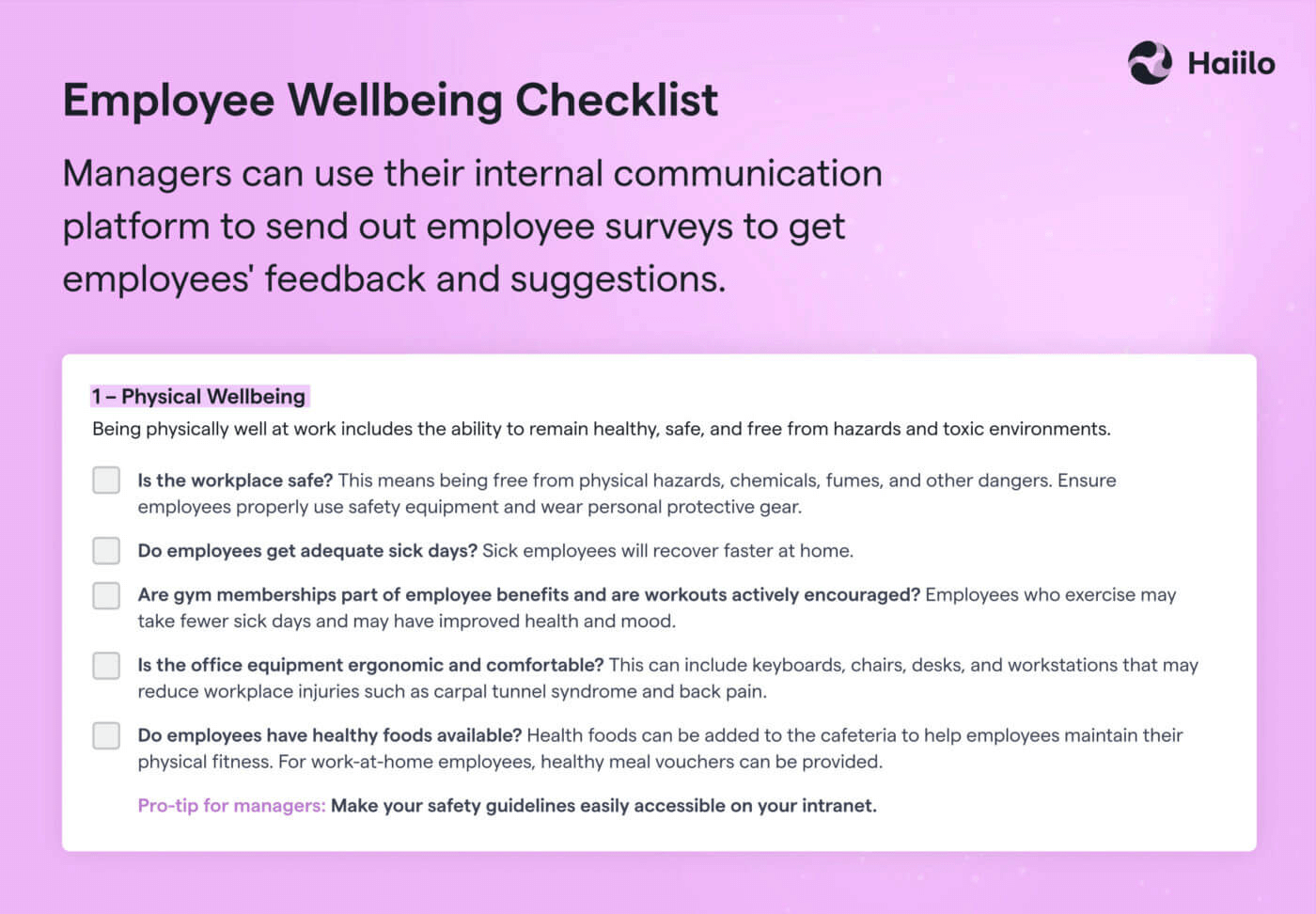
These include a range of documentation used internally for legal, compliance, or operational purposes.
These could include incorporation documents, company policies, health and safety guidelines, etc. These documents are the legal backbone of the company’s operations and governance.
9. Requests for Proposals (RFP)
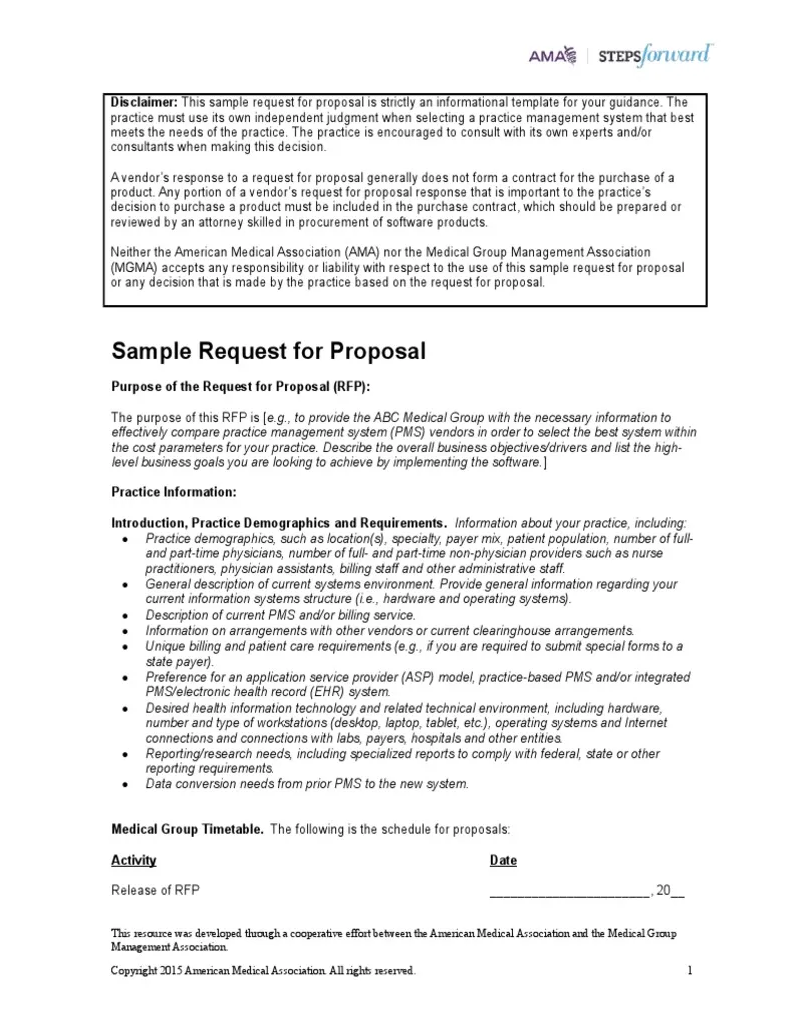
A crucial part of complex sales processes, this document solicits proposals, often made through a bidding process, by an agency or company interested in procurement of a commodity, service, or valuable asset to potential suppliers to submit business proposals.
10. Annual Reports

These reports provide a detailed report on a company’s activities throughout the preceding year.
They are intended to inform shareholders and other interested parties about the company’s activities and financial performance. It is one of the most essential sources of detailed information about a company.
11. Business Plans
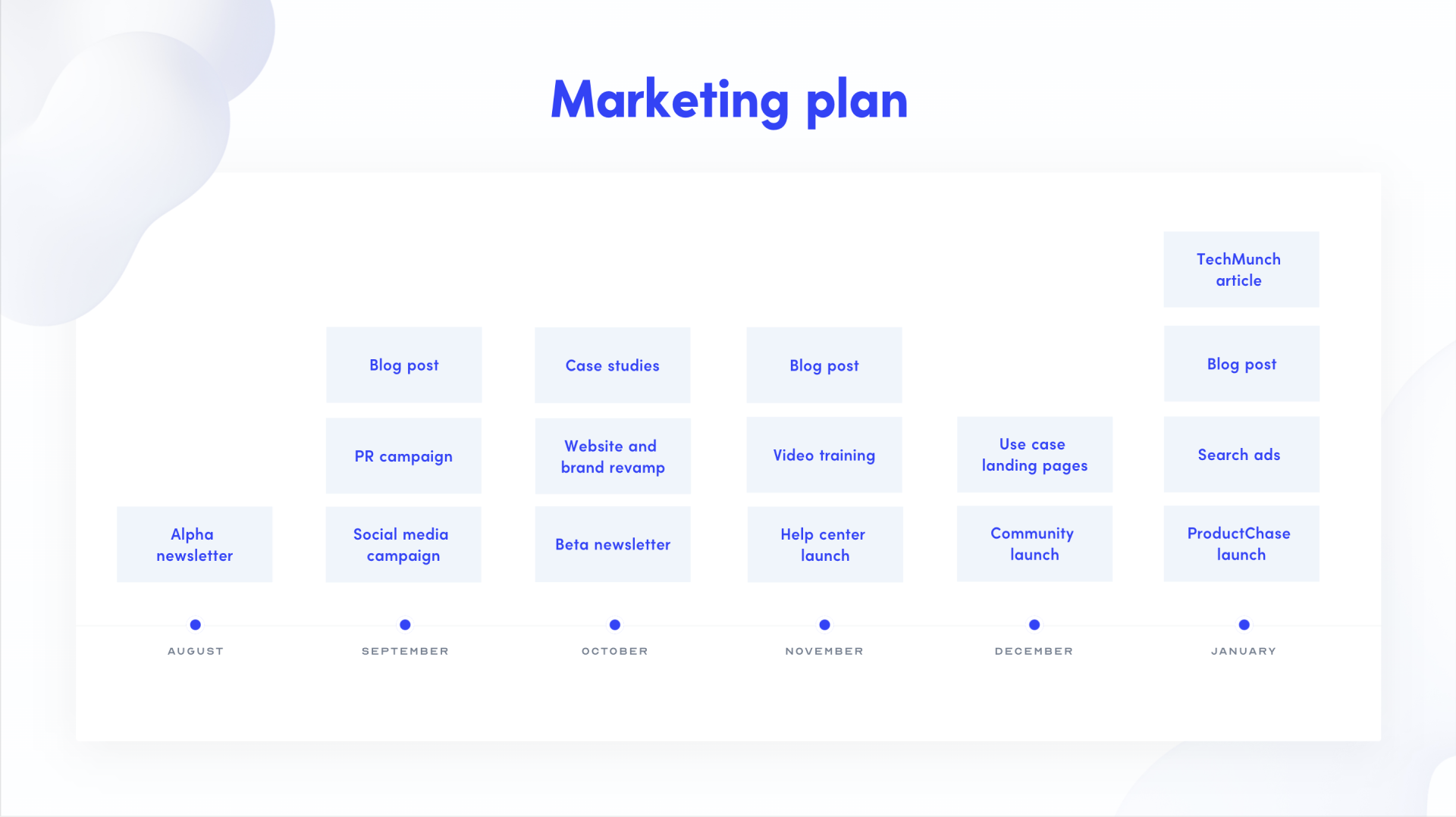
These formal documents outline a business’s future objectives and strategies for achieving them. It typically includes the company’s financial model, marketing strategies, an analysis of the competitive landscape, and detailed budget projections.
Business plans are essential for securing investment and guiding internal strategy and growth.
Create Error-Free, Comprehensive Technical Documentation With Ease
Technical documentation serves as a critical tool by supporting product usability, compliance, training, and quality assurance. Well-structured technical documentation can enhance operational efficiency and customer satisfaction while playing a crucial role in risk management and strategic planning.
ProProfs Knowledge Base, with its user-friendly interface and AI-powered Word-like editor, allows organizations to quickly create and maintain a centralized repository of articles, guides, and manuals.
It supports real-time collaboration, enabling teams to work together seamlessly, regardless of location. ProProfs also offers robust search functionality that makes it simple for users to quickly find and access the information they need.
FREE. All Features. FOREVER!
Try our Forever FREE account with all premium features!